
Your employees are already asking to use Claude. Here's how to say yes.
The question isn't whether your organization adopts Claude. It's whether you're in control when it does.

We Make Controlling Claude Usage Simple
The requests are already in your inbox; from finance, legal, sales, and engineering. Claude is genuinely useful, and people know it. Blocking it doesn't work. It just pushes usage underground, onto personal devices, and outside any policy you can enforce. What security teams actually need is visibility and control that keeps pace with how Claude is evolving: from a browser tab, to a desktop app, to an agent with direct access to your internal systems via MCP. The good news: this is entirely solvable.
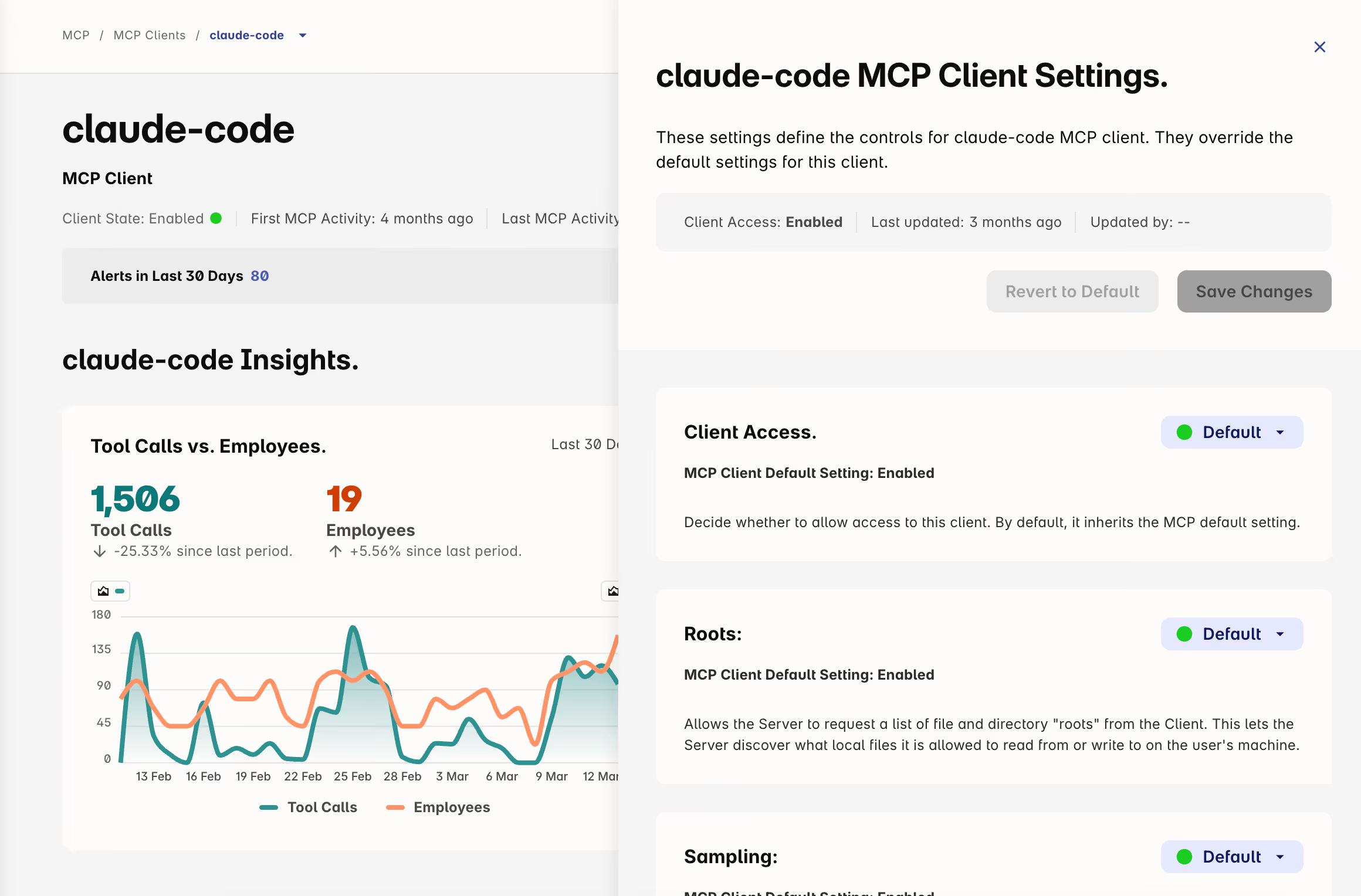
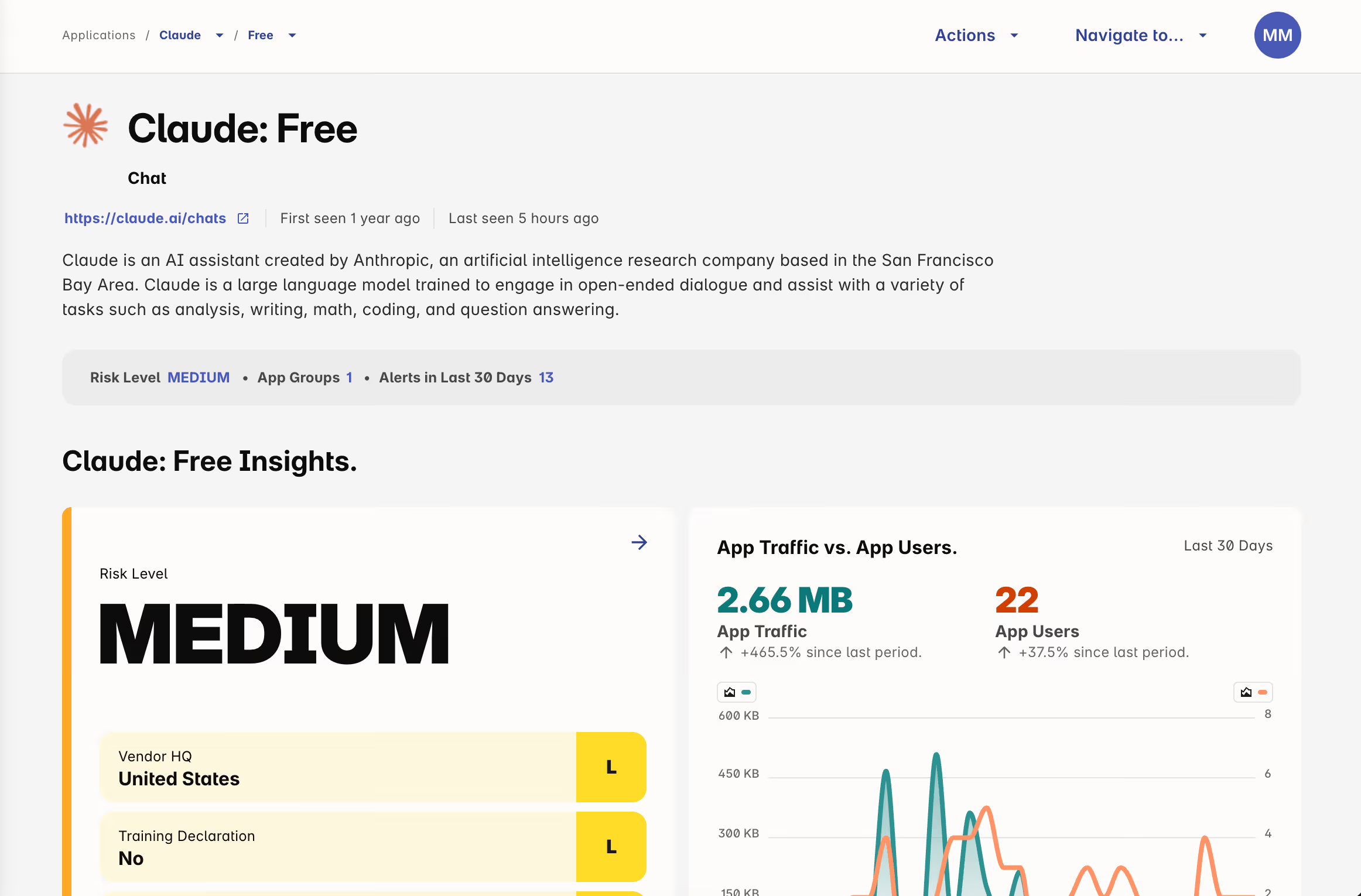
Know and control which MCP servers and tools are in use
You can't govern what you haven't discovered. Employees are connecting Claude to Salesforce, Jira, Notion, and internal databases — often without IT knowing. Each connection is a data access point with no audit trail.
- Discover every MCP server connected across your organization
- Set default policies on what Claude can access
- Control which MCP tools are permitted, and for whom
- Audit trails for every agentic action taken
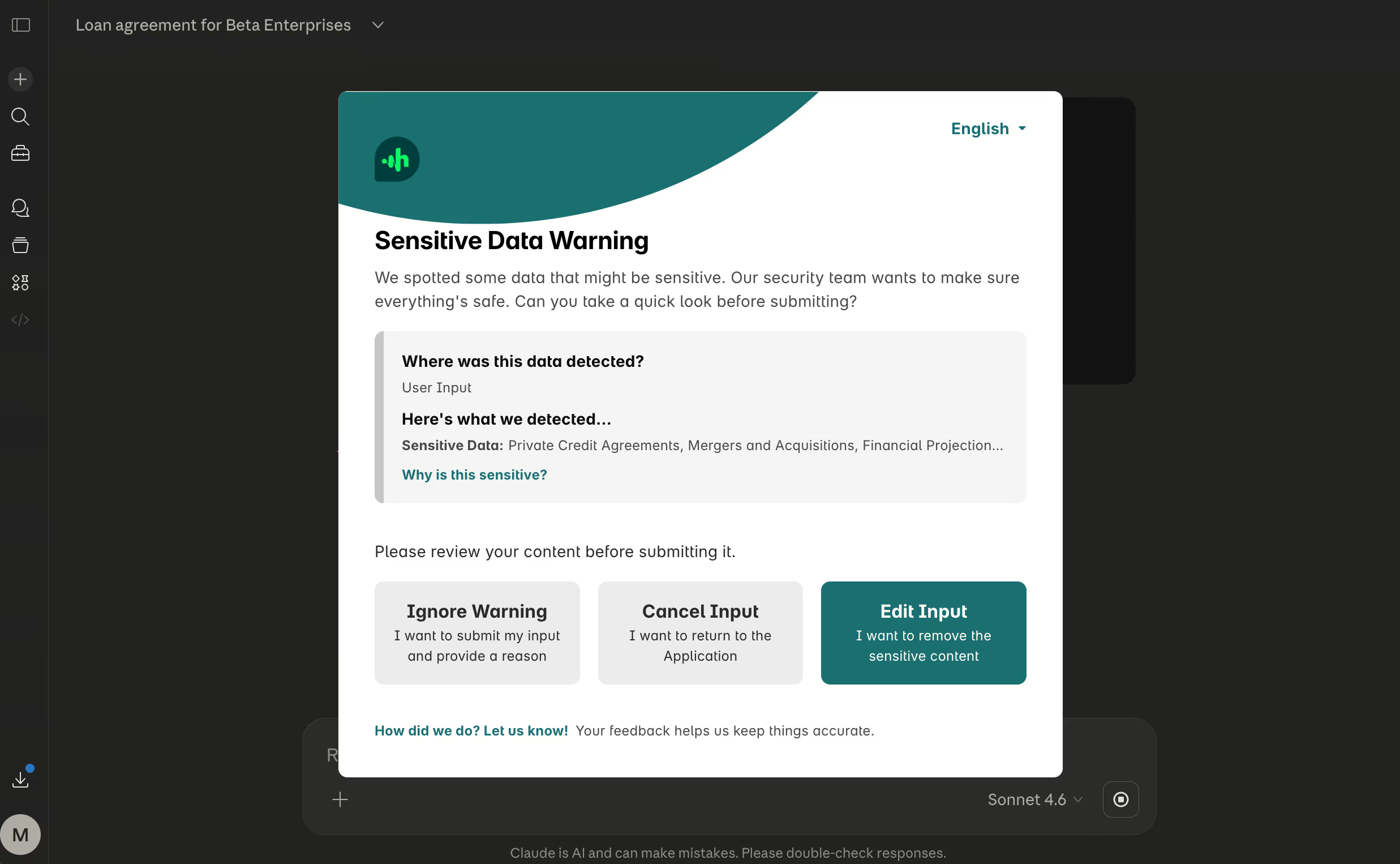
Set guardrails in the browser, not roadblocks
The browser is where most Claude interactions happen. Real-time prompt inspection means you can enforce policy without killing productivity — coaching users in the moment instead of locking them out after the fact.
- Inspect prompts before they leave the browser
- Apply policies by data type, user group, or business unit
- Coach in the moment instead of blocking after the fact
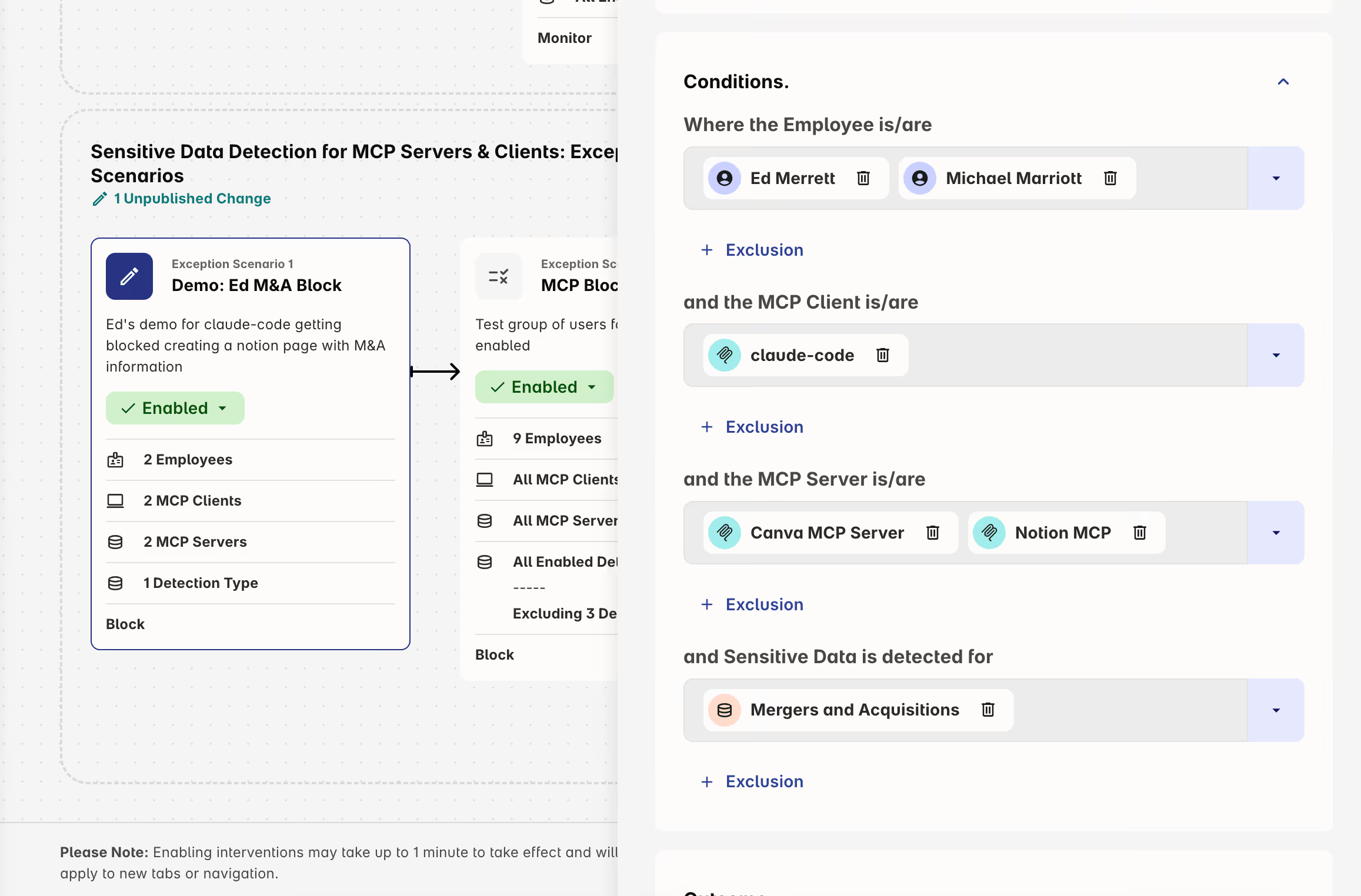
Protect the sensitive data flowing through MCP
When an employee asks Claude to pull their sales pipeline or summarize a claim, they never type that data. Claude fetches it silently through the MCP connection. No text field to scan, no paste event to intercept. If you're not on the device, you never see it.
And keyword matching won't save you. These all look routine:
- "Summarize the claims data for policy #48821"
- "Draft a board memo on the Horizon acquisition"
- "What does our Q3 pipeline look like by rep?"
Harmonic's on-device language models classify intent, not just words — fast enough to act in milliseconds, precise enough to catch what matters.
Top Resources for Security Teams


FAQs
Quick answers about Harmonic Security
Yes. Harmonic is built for the full generative AI landscape — Claude, ChatGPT, Gemini, Copilot, and others. Your policy follows the data, not the tool.
Yes. Harmonic detects and monitors Claude Desktop as a native application on both macOS and Windows, giving you visibility that browser-only tools miss entirely.
You can, but it won't hold. Employees will access Claude on personal devices, use mobile hotspots, or route around network controls. The only durable answer is visibility and policy at the point of use — in the browser, on the endpoint, and at the MCP layer.

Mike Janielis
Principal Information Security Architect


Huy Ly
Director IT Infrastructure/Security,
Monolithic Power Systems

Build Your AI Guardrails Now
Gain the visibility and control you need to guide AI use with confidence.