Solutions / Securing Copilot
Secure Microsoft and GitHub Copilot across the workforce
Give employees room to use Copilot while keeping sensitive data, connected systems, and agent actions within policy.
Talk to us about securing AIWho we work with







Why Harmonic for Copilot
We make protecting Copilot simple
For a growing share of the workforce, Copilot is now the interface for daily work. Harmonic shows you how your company uses Copilot and applies context-aware guardrails that protect sensitive information and govern what agents do.
01Understand usage
Understand exactly how Copilot is used
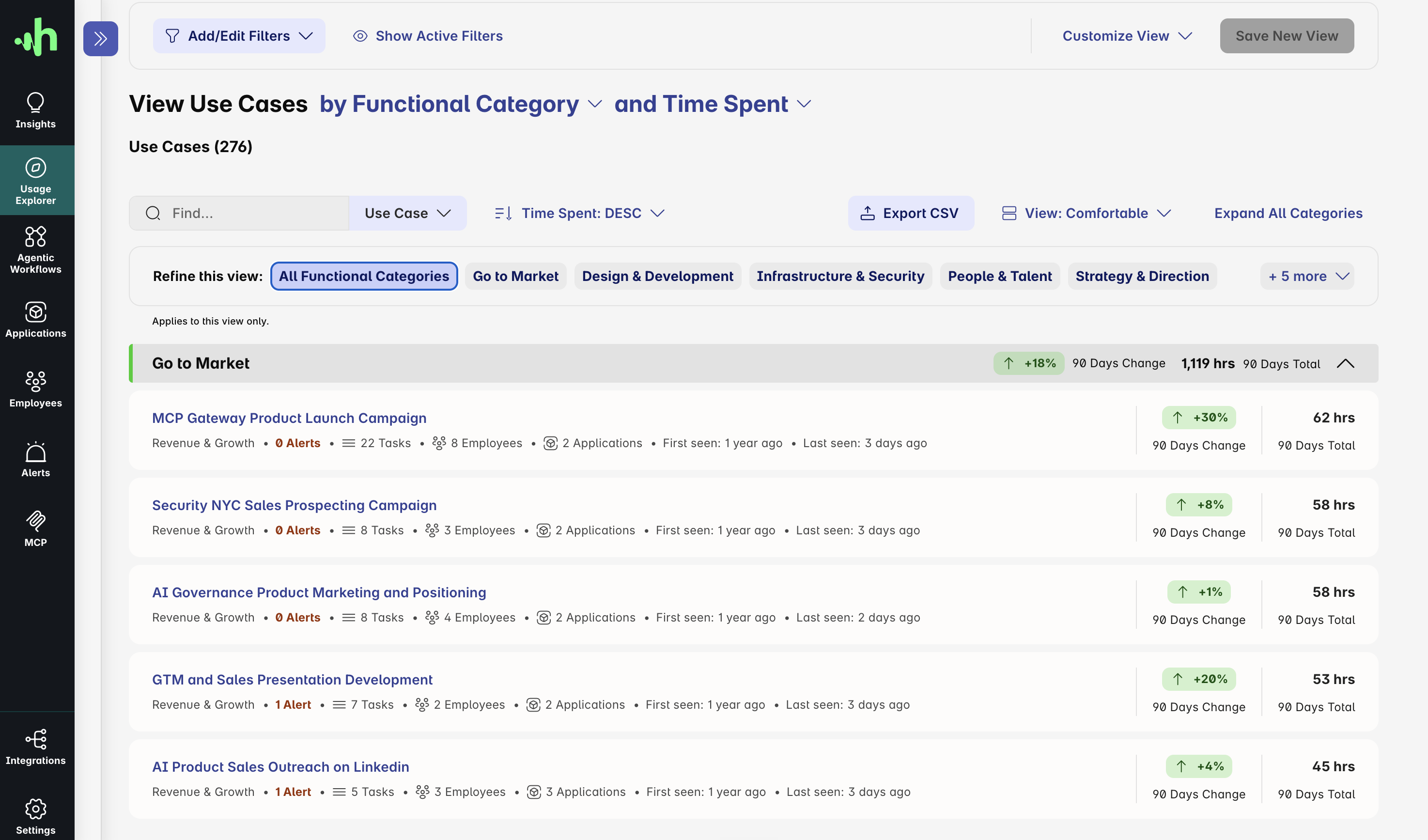
Discover Microsoft Copilot and GitHub Copilot use wherever employees work with them, including Microsoft 365 Copilot Chat on the web, Copilot in the Microsoft 365 apps, and GitHub Copilot in the IDE and CLI. See where employees use approved products and accounts, and where unsanctioned tools appear.
Understand how each product is used down to the task level, including the use cases linked to the riskiest behavior and those driving the most productivity.
02Protect data in context
Protect business data and developer IP in context
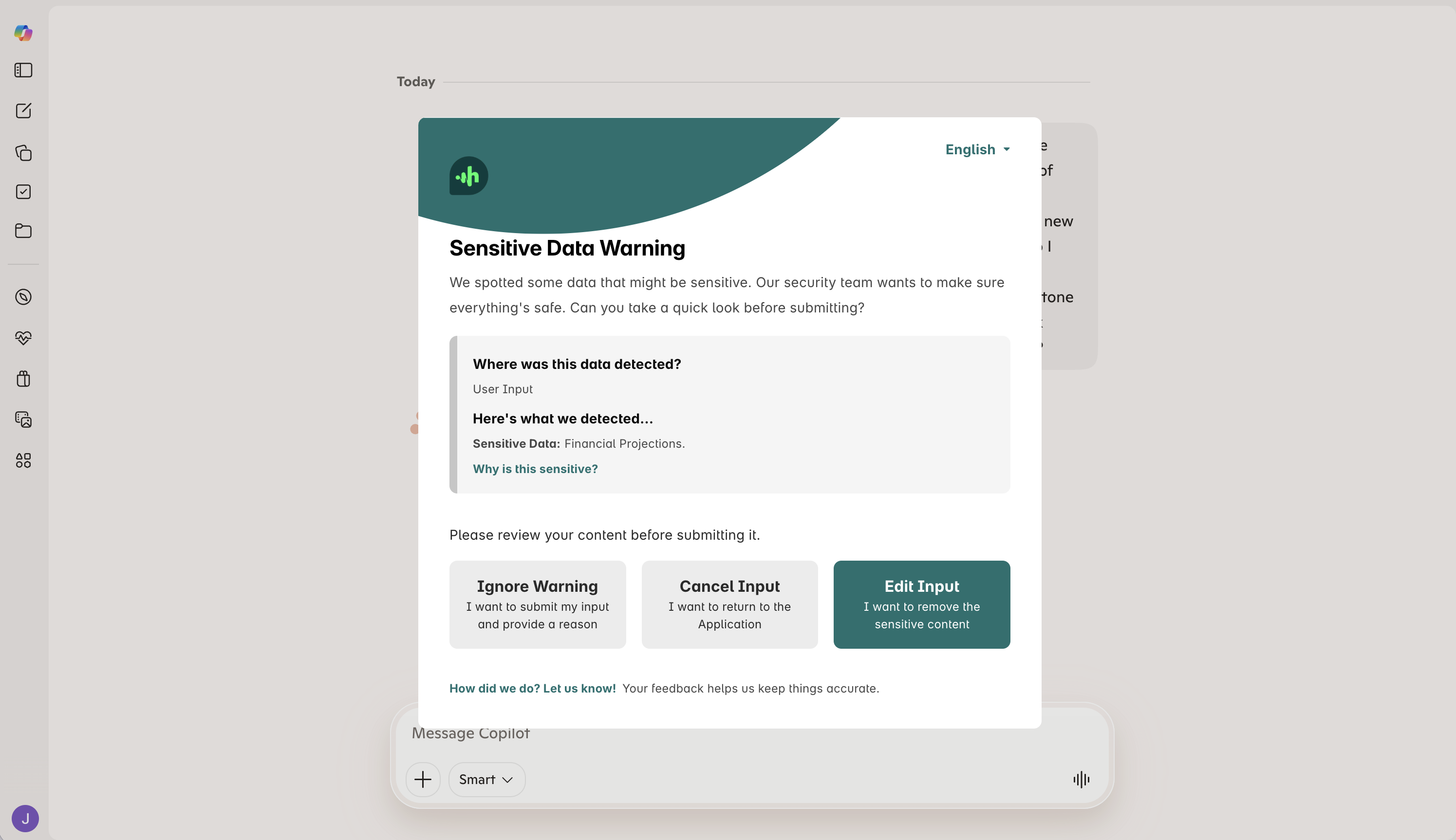
Ensure employees never share information they shouldn't with Copilot. Harmonic's models read through conversations and files just like a human would, to understand what's sensitive in context rather than matching a fixed pattern.
Deliver inline controls across web and desktop with a clear explanation for employees of what triggered each warning or intervention.
03Govern agents
Govern agents without interrupting workflows
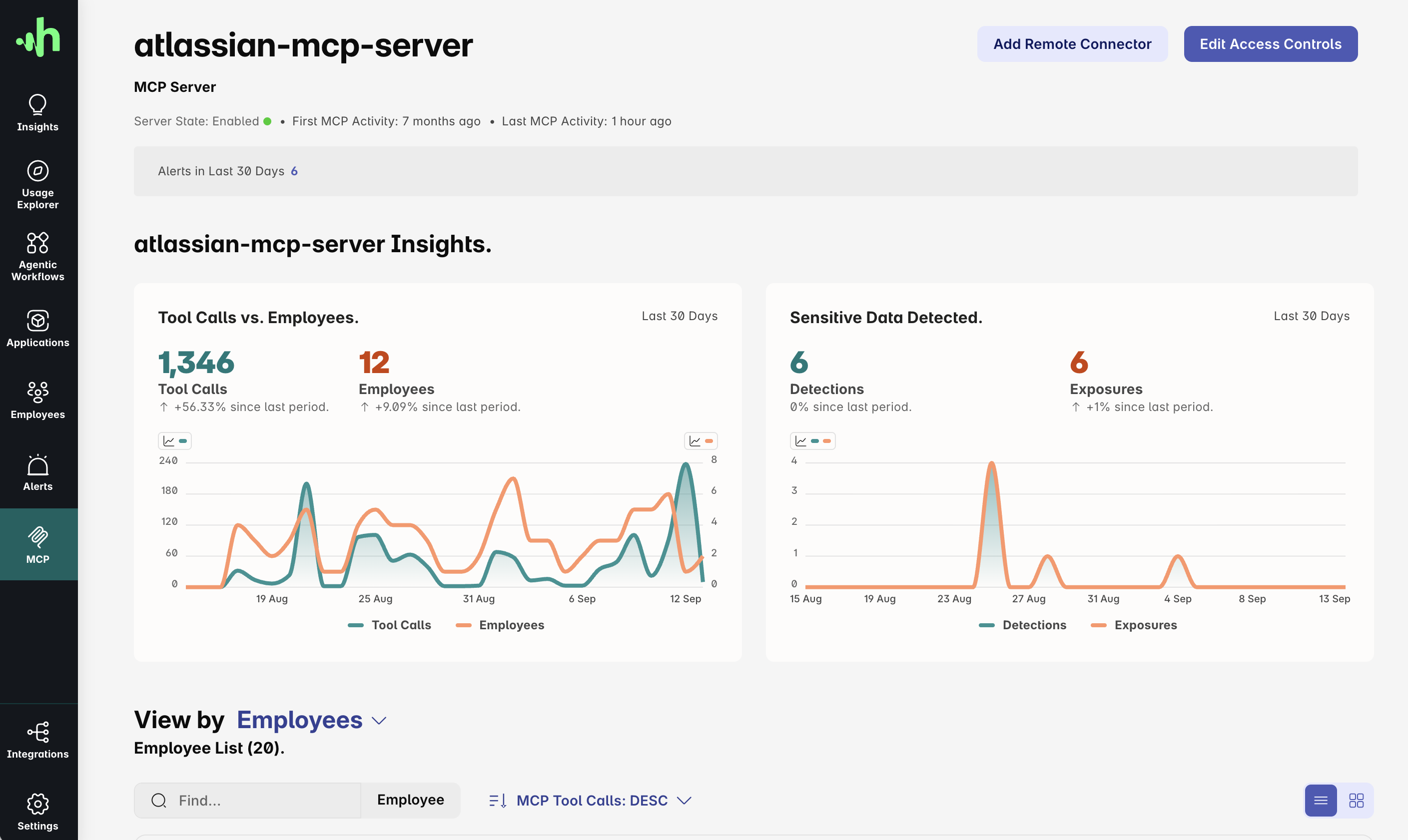
Monitor which tools Microsoft Copilot and GitHub Copilot agents connect to, and what actions they attempt.
When an agent tries to take an action that policy does not allow, Harmonic intervenes in real time and explains why. The permitted parts of the workflow continue, so employees and agents can stay on task.
Top resources
Resources for security teams securing Copilot
Practical guidance for governing Copilot across Microsoft 365, the browser and the developer toolchain.
Datasheet
Harmonic Command
Agent and MCP governance, prompt-injection protection and Connectors, in one PDF.
Frequently asked questions
Quick answers about securing Copilot
Short, direct answers to what security and IT teams ask before bringing Harmonic in.
Is Harmonic compatible with AI tools beyond Copilot?
Yes. Harmonic covers 1,000+ AI applications, including ChatGPT, Claude and Gemini, with discovery, monitoring and inline guardrails. The same policies apply whichever tool an employee picks.
Which Copilot surfaces do you cover?
We provide visibility and control wherever employees use Copilot: Microsoft Copilot and Copilot Chat on the web, Copilot in the desktop Microsoft 365 apps, and GitHub Copilot in the IDE and GitHub Copilot CLI.
What about Microsoft Purview?
Microsoft Purview relies mainly on pattern-matching DLP and only sees inside Microsoft tools. Real AI usage is not Microsoft-only. We see the full stack across vendors, including the long tail and the agentic surfaces, and we provide context-aware guardrails for employees and their agents.

Get started
Build your AI guardrails for Copilot
Gain the visibility and control you need to guide Copilot use with confidence. Most teams see first insight in about 30 minutes.
What you'll see with Harmonic Security
- Your full Copilot usage footprint: every surface, every team, every exposure.
- Inline guardrails that coach, warn, or block — firing in under 200ms.
- See and control what Microsoft Copilot and GitHub Copilot agents are actually doing.
- Coverage through the Browser Extension, Endpoint Agent, local MCP Gateway and Harmonic Connectors.
- Deployment in minutes via Intune, Jamf, or Kandji.
